Overview of Message boxes
The DHTMLX Message component includes a set of helper message boxes: message, alert, confirm, and tooltip. You can configure message boxes to match the appearance of your app or website.
Message

A message box is a simple notification that informs users about current processes in the application.
Alert

An alert box allows you to warn users against steps that may lead to unexpected or undesirable results.
Confirm
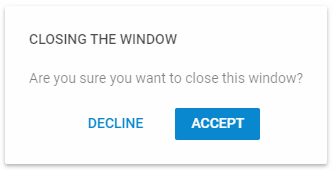
A confirm box asks users to confirm an action before they proceed to the next step.
Tooltip

A tooltip shows information about the element that the user hovers over.