Touch support
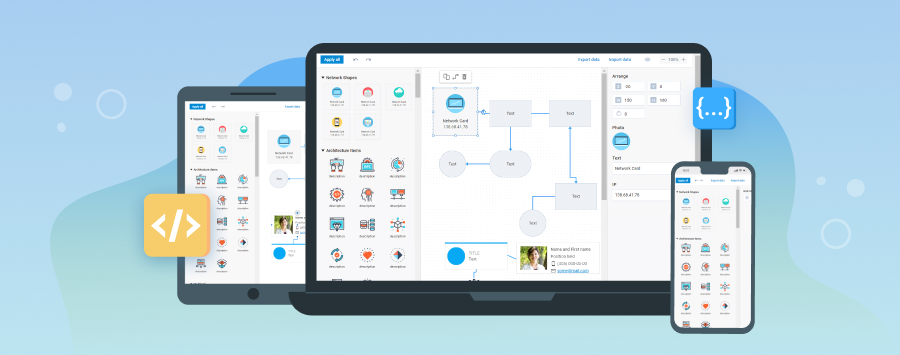
Since version 4.2 and later, the DHTMLX Diagram library provides built-in touch support that works out of the box.
When you interact with applications by touching the screen, a tap works the same as a mouse click. Thus, the click events (fire on clicking, double clicking an item) will continue working on touch-screen devices. Note that the mouseover events will not trigger.
Touch support enables recognition for the following touch gestures:
- Double Tap - to edit the text of a shape/group/swimlane; to create and edit the text of a connector line
- Press, Hold, and Drag - to call
blockSelectionand select several items - Drag - to drag a shape/group/swimlane; to drag a shape/text/group/swimlane from the left panel of the editor