Step 5. Add buttons to Toolbar
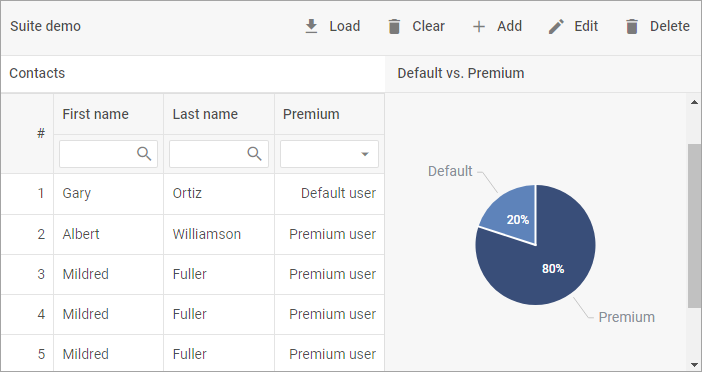
We've already placed the "Load" and "Clear" buttons into Toolbar in the previous tutorial.
Now we need to add other buttons to Toolbar in order to edit, add or delete rows in the grid. This is how we add them:
toolbar.data.parse([
    {
        "id": "add",
        "icon": "mdi mdi-plus",
        "value": "Add"
    },
    {
        "id": "edit",
        "icon": "mdi mdi-pencil",
        "value": "Edit"
    },
    {
        "id": "delete",
        "icon": "mdi mdi-delete",
        "value": "Delete"
    },

]);