Day View
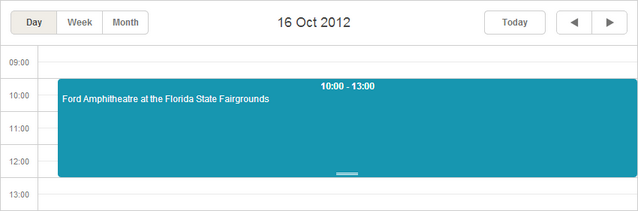
The Day view displays a single day of the calendar.
Initialization
The Day view is added to the basic scheduler's markup by default. That's why you don't need to provide any extra code for adding the view to the scheduler.
//just usual initialization. The Day view will be added by default
scheduler.init('scheduler_here',new Date(2019,0,10),"week");
...
scheduler.load("/data/events");
Removing the Day view tab
To remove the Day view tab from the scheduler, remove the related div from the scheduler's markup:
//remove this div to remove the Day tab
<div className="dhx_cal_tab" name="day_tab" style={{right: '204px'}}></div>
Related guides
Need help?
Got a question about the documentation? Reach out to our technical support team for help and guidance. For custom component solutions, visit the Services page.