Step 5. Bind Toolbar to Grid
At this step we will discuss how to fill and clear the Grid with the help of Toolbar buttons. For this purpose we will use the Click event of the Toolbar:
toolbar.events.on("Click", function(id,e){
//id - toolbar button id, e - default mouse event of browser
    switch(id) {
        case 'load': {
            grid.data.parse(grid_dataset);
            break;
        }
        case 'clear': {
            grid.data.removeAll();
            break;
        }
    }
});
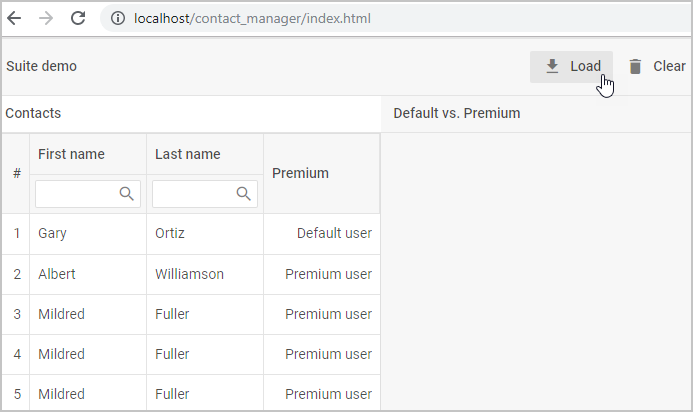
For more information about working with the Toolbar events, see the Event handling article. The methods used to work with data are described in data_collection/api/refs/datacollection.md.