Step 1. Include DHTMLX Files
Let's start our tutorial with preparing a file for our future app:
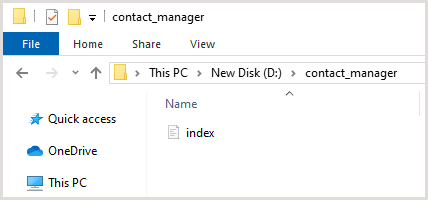
1. Create a folder with the name "contact_manager" in the root directory of your local web server.
2. Create the "index.html" file in the "contact_manager" folder.
Now we need to include ".js" and ".css" files of the DHTMLX Suite library to the main file of our future app. You can use CDN links to do this.
<!DOCTYPE html>
<html>
<head>
    <!-- meta block -->
    <title>Contact manager</title>
    <script src="https://cdn.dhtmlx.com/suite/edge/suite.js"></script> /*!*/
    <link rel="stylesheet" href="https://cdn.dhtmlx.com/suite/edge/suite.css"> /*!*/
</head>
<body>
    <script type="text/javascript">
        //the code of your application
    </script>
</body>
</html>